Join over 10k+ users
Stella — screen capture, reimagined
Screenshot, annotate, and share in seconds. No friction, no clutter.
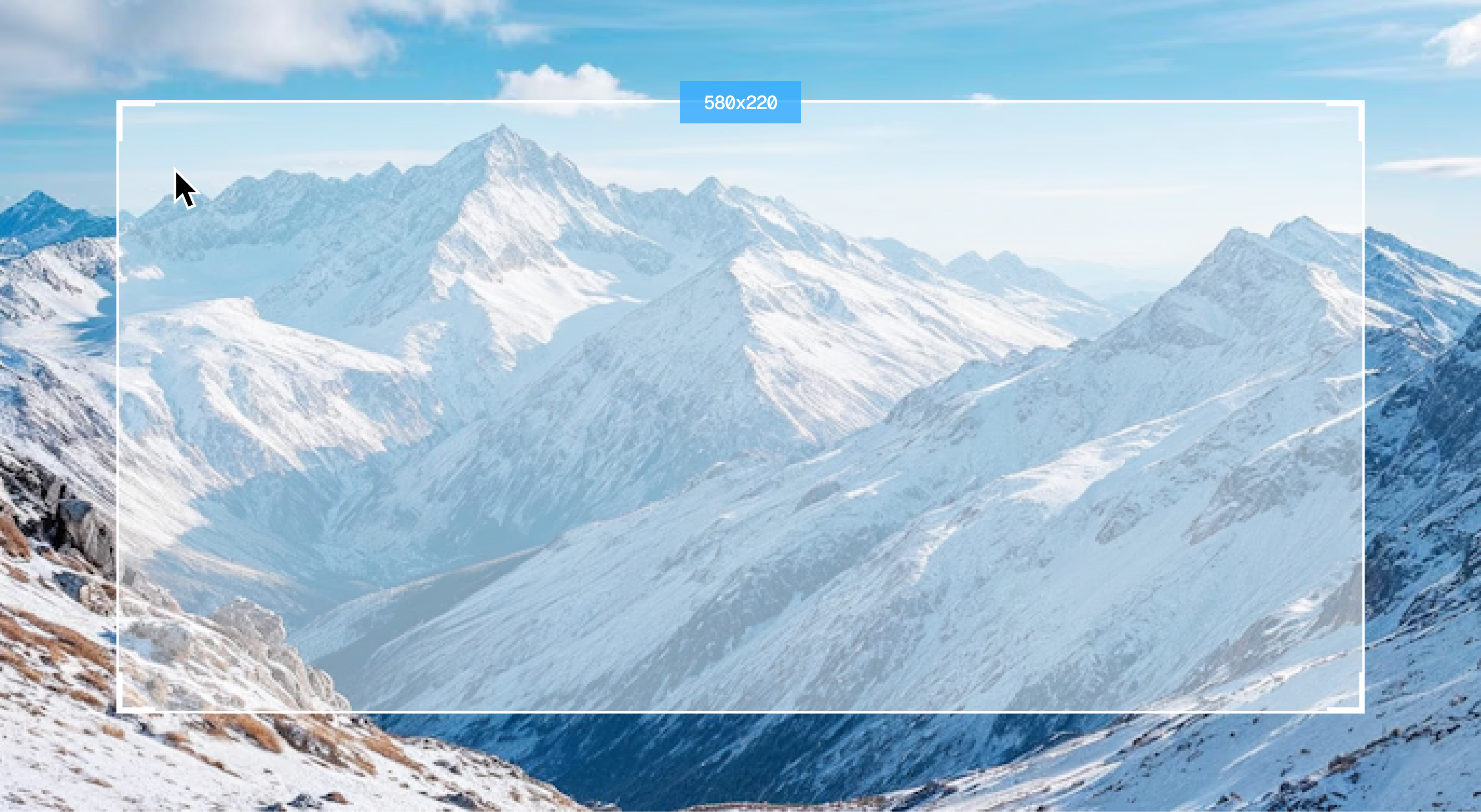
Trusted by thousands of businesses
How it works
How Stella works
From capture to share in three steps.
01
Capture anything
Screenshot your full screen, a window, or draw a custom region. One shortcut, instant result.
02
Annotate in seconds
Add arrows, text, shapes, and highlights directly on your capture. No separate editor needed.
03
Share with one click
Copy a link, save to your drive, or send straight to your team. Your capture is ready the moment you are.
Features
Explore different features
Every feature is designed to get out of your way.
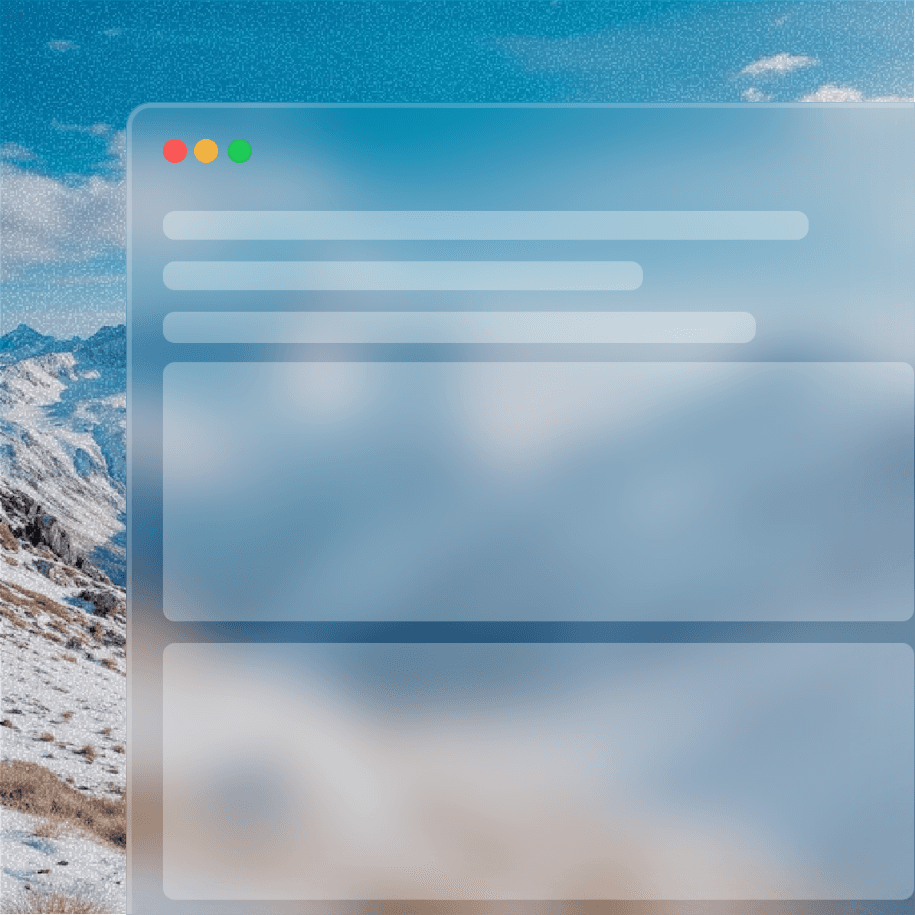
Scrolling capture
Capture entire pages, long documents, or infinite scroll feeds in a single clean screenshot. No more stitching images together.
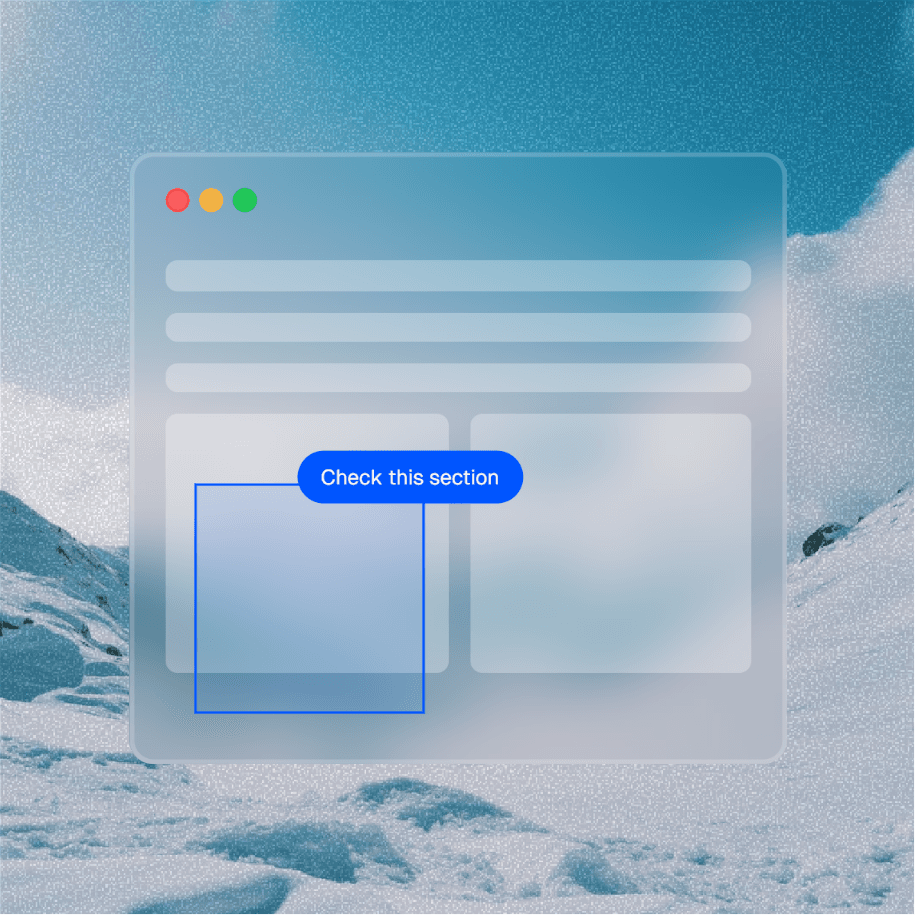
Annotation tools
A focused set of tools — arrows, callouts, blur, and text — designed to communicate clearly without the overhead of a full design app.
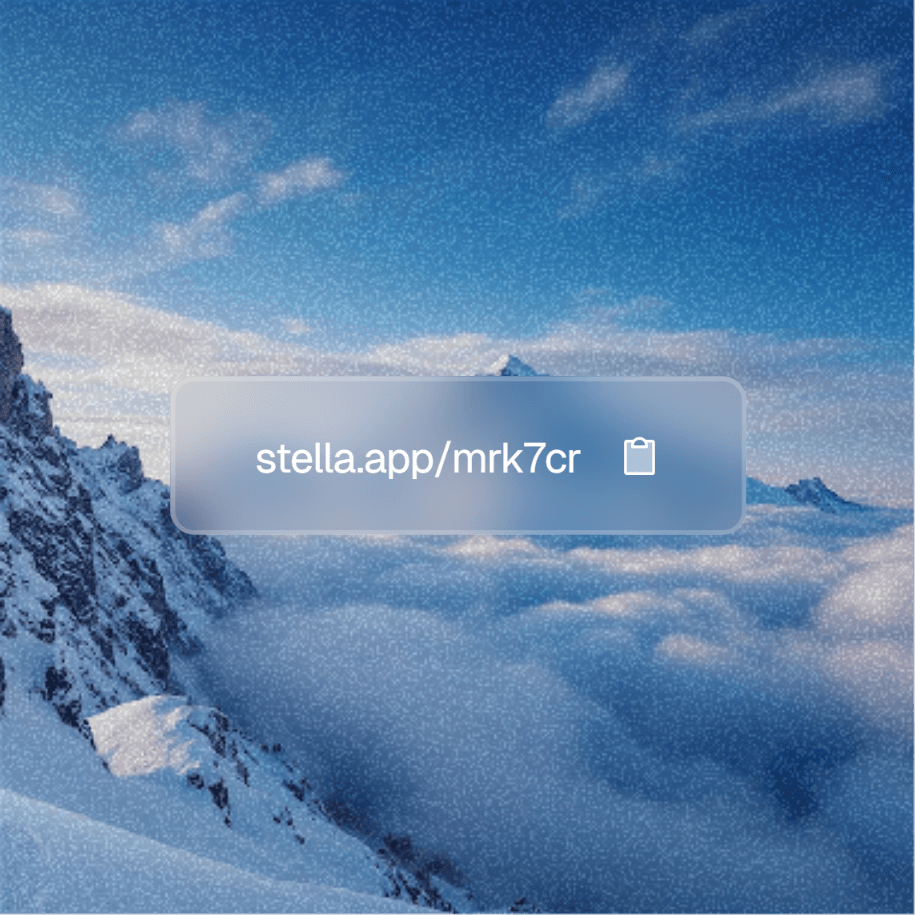
Instant shareable links
Every capture gets its own link the moment it's taken. Copy, paste, done. No account required for the recipient.
Benefits
Enjoy numerous benefits
Stella makes things 10x easier in your everyday workflow.
Custom shortcuts
Bind any capture mode to your own keyboard shortcut. Stella works around your workflow, not the other way around.
Clipboard sync
Every capture lands in your clipboard automatically. Paste directly into Slack, Notion, email, anywhere.
Cloud backup
All your captures are optionally backed up and accessible from any device. Never lose a screenshot again.
Markup history
Every annotation is non-destructive. Go back, edit, or remove markings at any time without touching the original.
Privacy controls
Set link expiry, add password protection, or keep captures fully local. Your data, your rules.
Multi-display support
Works seamlessly across multiple monitors. Capture from any display without changing your setup.
Reviews
What other users are saying
Thousands of designers, developers, and teams use Stella every day.






Trusted by thousands of businesses
Pricing
Flexible pricing options
Start free. Upgrade when you need to.
FAQs
Our frequently asked questions
You've got questions. We've got answers.
What operating systems does Stella support?
Stella is available for macOS and Windows. A Linux version is currently in development. You can also access your captures from any browser if you're on a Pro or Team plan.
Do my recipients need an account to view a shared link?
No. Anyone with the link can view your capture instantly — no account, no app, no friction. Password protection and link expiry are available on Pro and Team plans.
Is my data stored on your servers?
Only if you enable cloud backup, which is optional on Pro and Team plans. If you prefer to keep everything local, Stella works entirely on your machine and nothing is uploaded.
Can I use Stella for my whole team?
Absolutely. The Team plan includes a shared capture library, an admin dashboard, and per-seat pricing starting at $24 per seat per month. You can add or remove seats at any time.
Get started
Install Stella for free
Screenshot, annotate, and share in seconds. No friction, no clutter.